
How to work with the assistant
The assistant is someone to talk to who sees the material of the section you have open: the scene, the canon, the story or the whole novel. You can think an idea through with it and ask for a fix. It writes nothing into the novel by itself: every change comes as a card, and you decide.
-
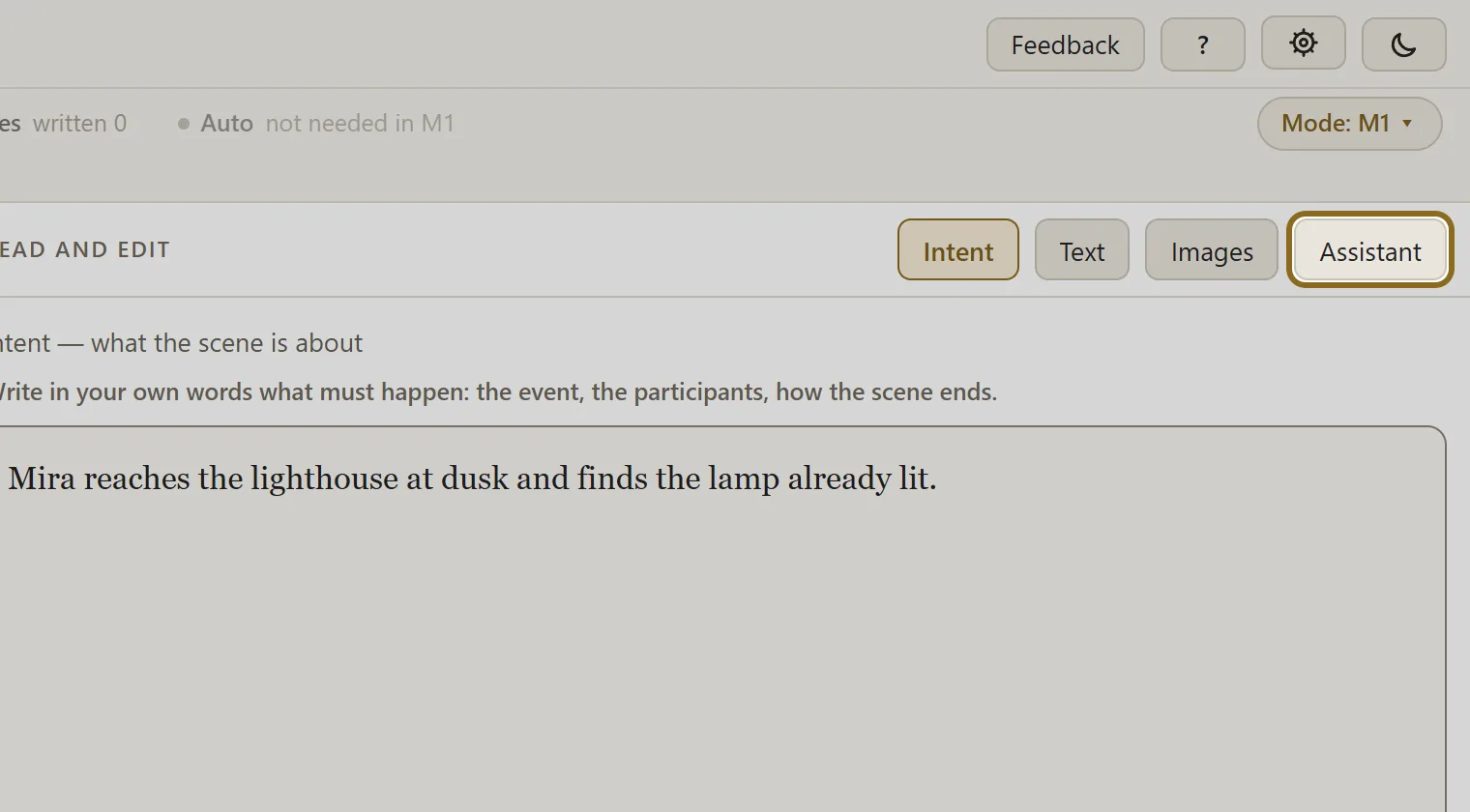
Open a scene, the canon, the story or the finalization and click Assistant in the panel header — a column opens on the right. Every section has a conversation of its own. In polishing, the assistant is called by the Call the assistant button.
-
Write your question or request in ordinary words and click Send. While the assistant is thinking, you can stop it with the Cancel button.
-
If the assistant proposes a change, a card appears under the answer. Apply puts the fix into the novel, Reject removes the card and changes nothing.
-
Changed your mind — the Undo button on an applied card brings the previous text back.
-
If you want to know what the assistant is going by, open up “What the assistant sees”: everything that went into the request is listed there.
-
Clear the conversation erases the conversation for good — click it when you truly do not need it any more.