
AuthorWorkplace AuthorWorkplace

How to write and accept your first scene

A scene goes: intent → launch → text → acceptance. You say what should happen, the assistant writes, you read and decide.

  1. In the novel sections, click New scene.

  2. On the right, on the “Intent” tab, write in your own words what happens in the scene: the event, who takes part, where it breaks off. A few sentences are enough.
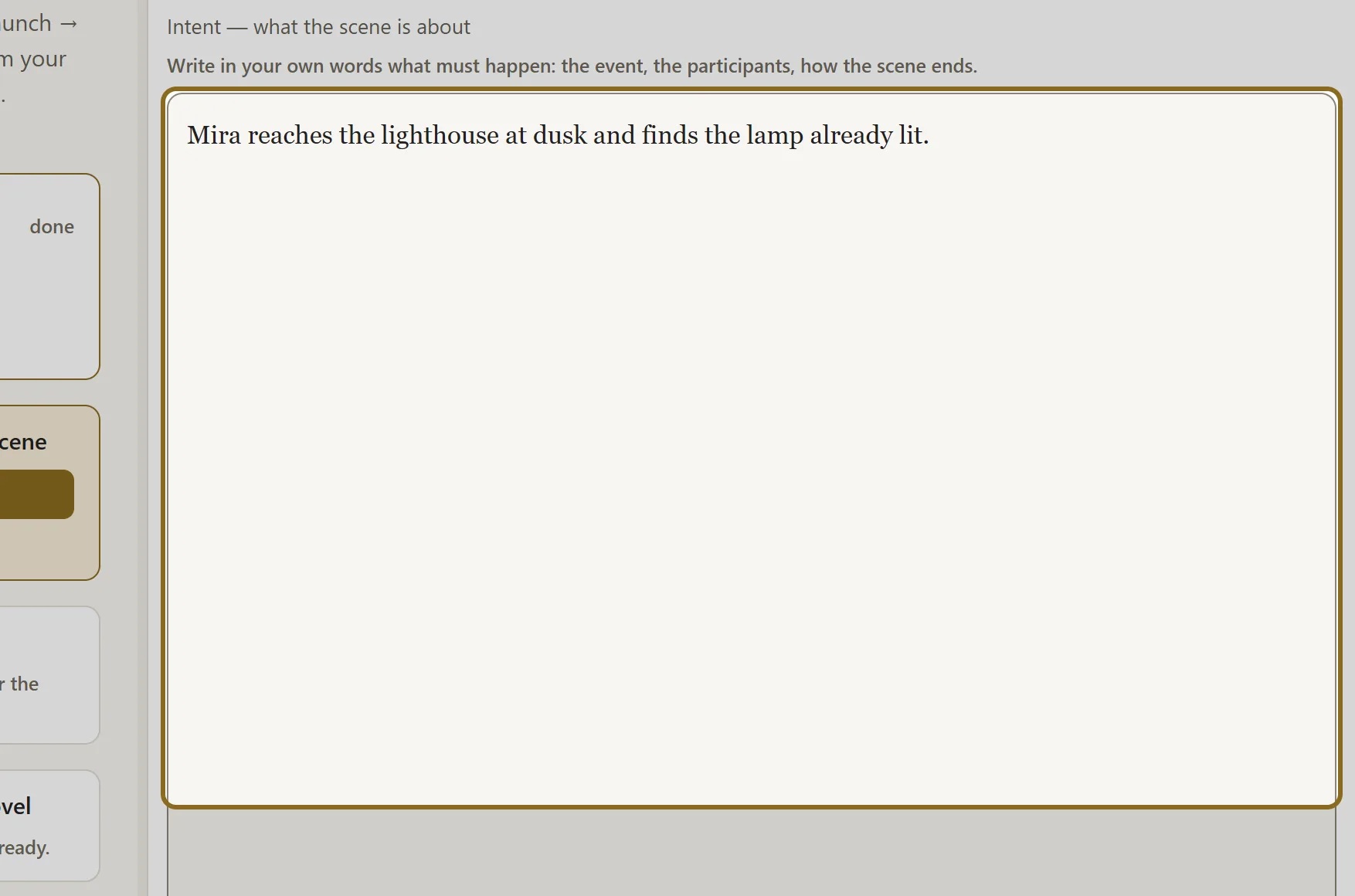
    Screenshot for step 2: On the right, on the “Intent” tab, write in your own words what happens in the scene: the event, who takes part, where it breaks off.

  3. Click Write the scene. The assistant works for a few minutes; the progress is shown right there, and you do not have to keep the page open.
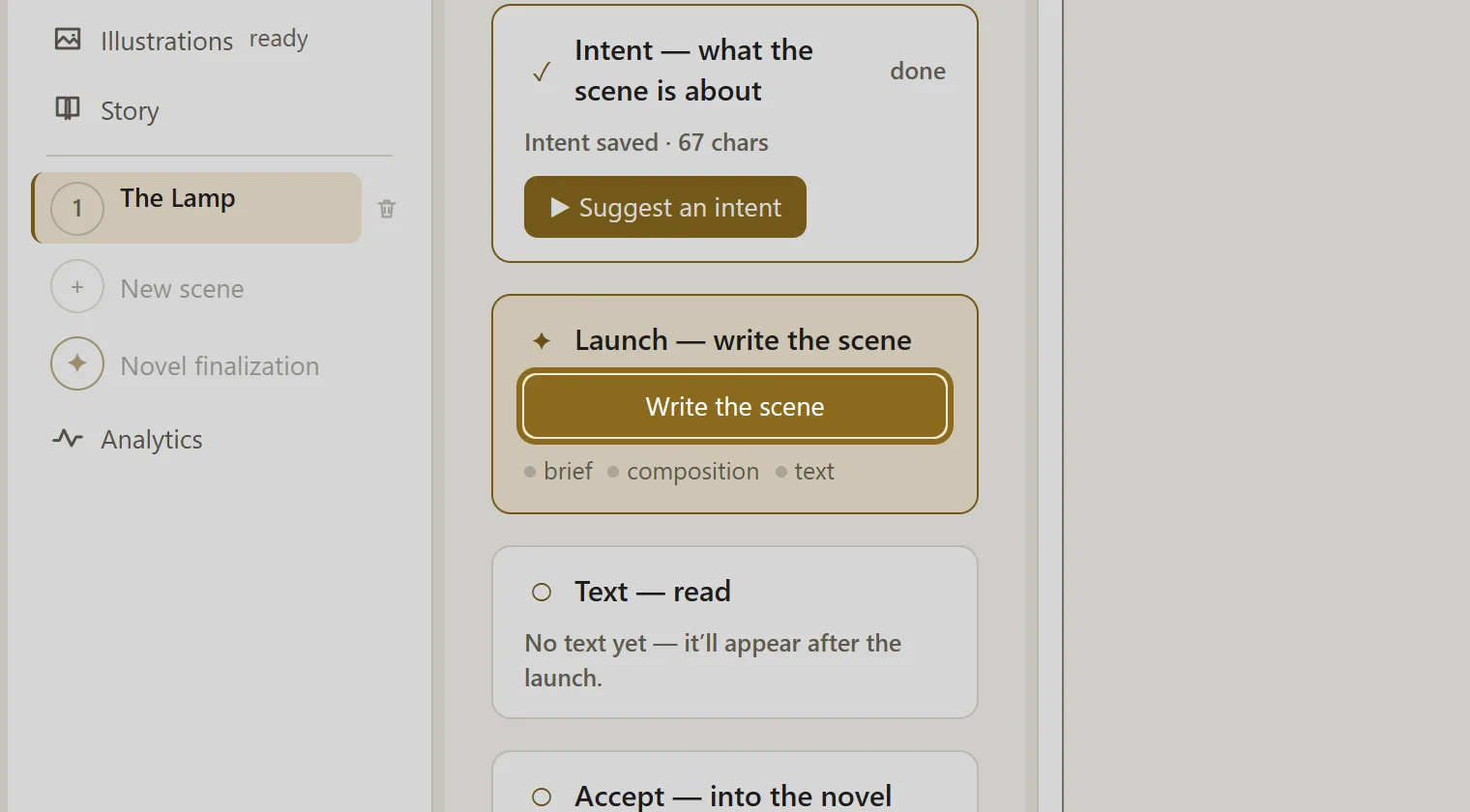
    Screenshot for step 3: Click “Write the scene”.

  4. Read the result on the “Text” tab. You can edit the text yourself.

  5. Click Accept the scene — the scene joins the novel, and this version is kept: you can always come back to it.
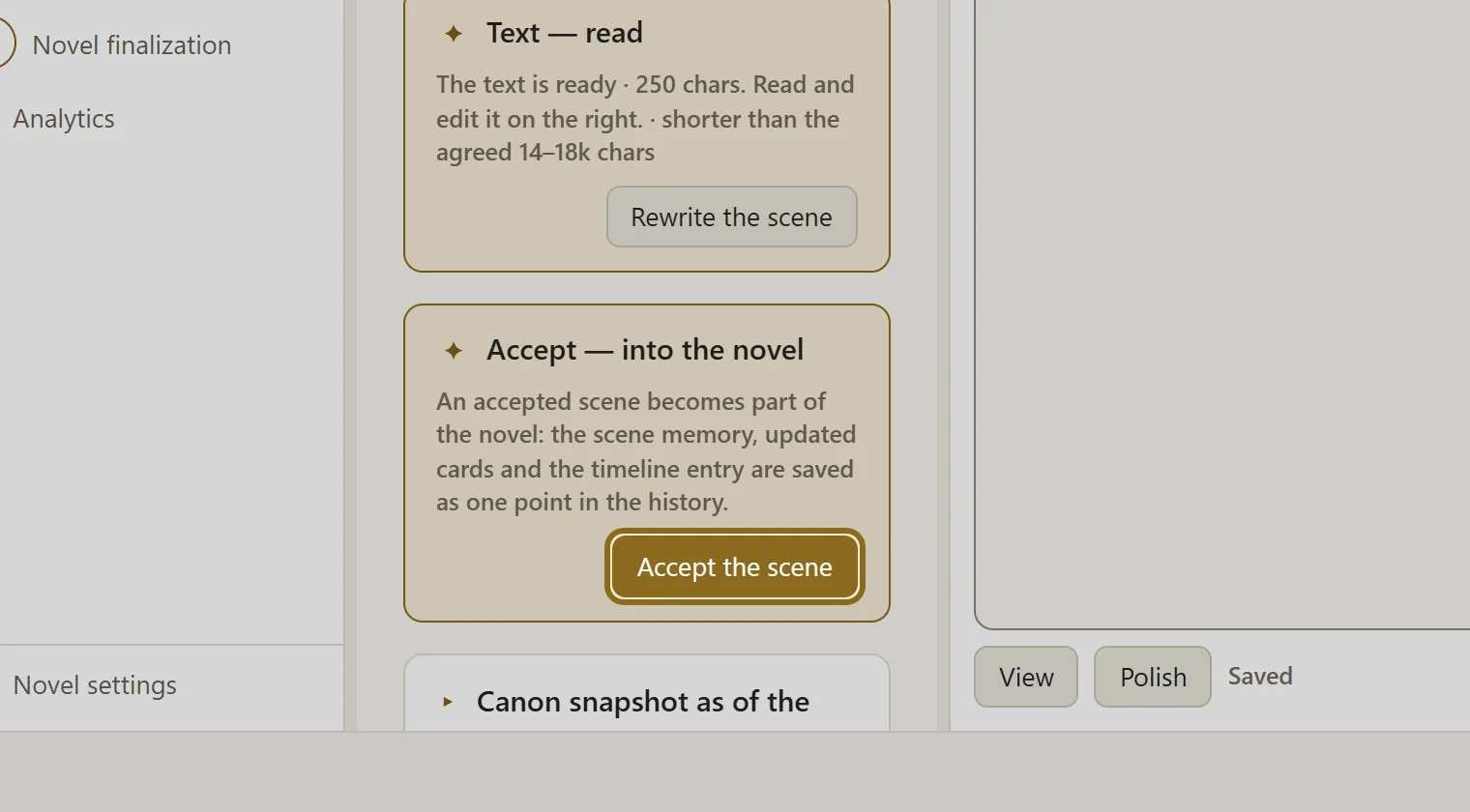
    Screenshot for step 5: Click “Accept the scene” — the scene joins the novel, and this version is kept: you can always come back to it.

How it works The path of a scene: from intent to acceptance Every scene takes the same path: intent → brief → text → acceptance. The first step and the last one are yours.
Screenshot for step 2: On the right, on the “Intent” tab, write in your own words what happens in the scene: the event, who takes part, where it breaks off.
Screenshot for step 2: On the right, on the “Intent” tab, write in your own words what happens in the scene: the event, who takes part, where it breaks off.Swipe across the picture to look closerOpen the full-size file
Screenshot for step 3: Click “Write the scene”.
Screenshot for step 3: Click “Write the scene”.Swipe across the picture to look closerOpen the full-size file
Screenshot for step 5: Click “Accept the scene” — the scene joins the novel, and this version is kept: you can always come back to it.
Screenshot for step 5: Click “Accept the scene” — the scene joins the novel, and this version is kept: you can always come back to it.Swipe across the picture to look closerOpen the full-size file