
How to bring in your own material: the novel draft
The “Draft” section is the place for everything you already have: notes, fragments of text, files, dictated recordings. The assistant parses them, and the canon is then built from them — you will not have to write the characters and the world in from scratch.
-
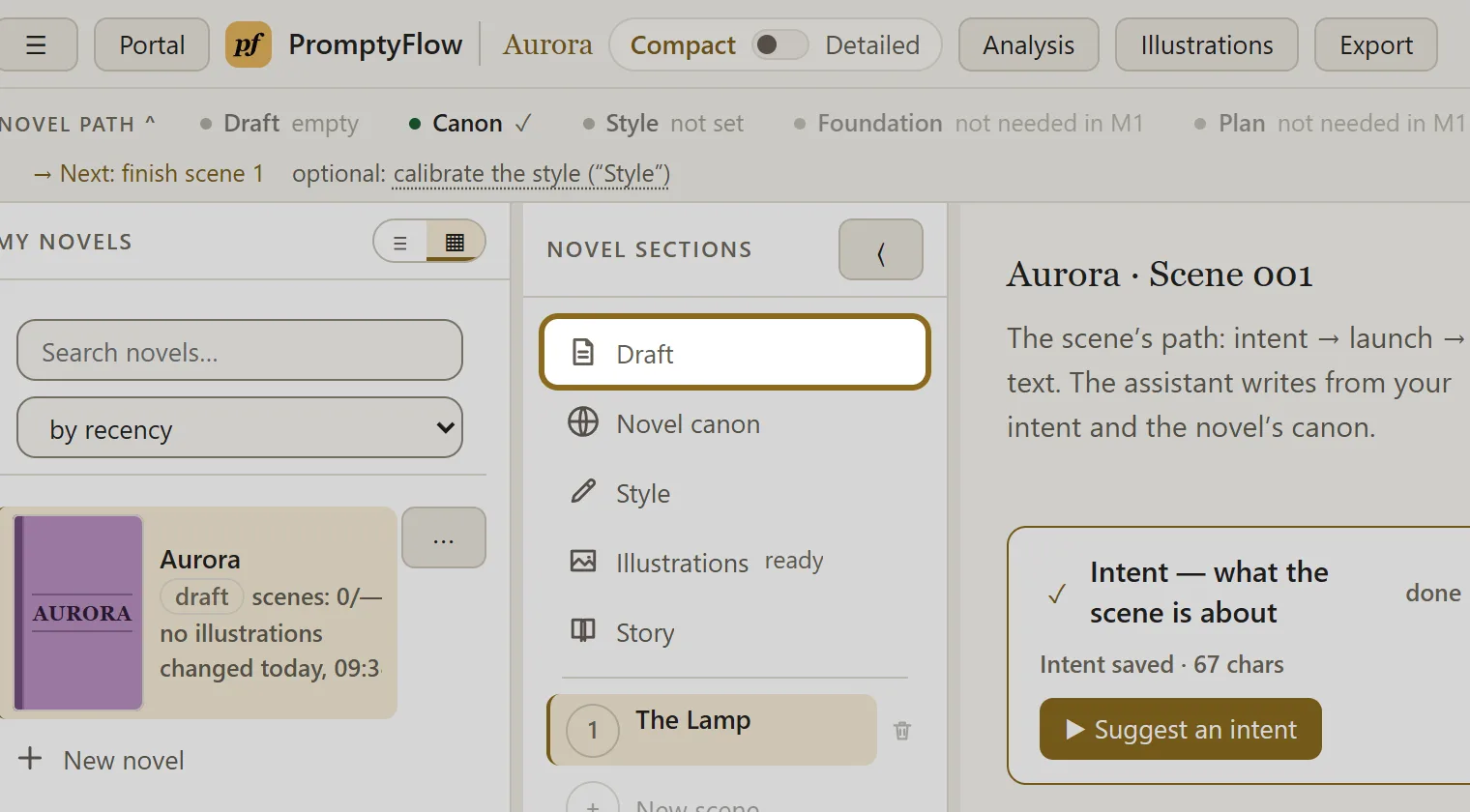
In the novel sections, open “Draft” — it is the first item from the top.
-
Click Paste text, give the material a name, paste the text and click Add. Or click Upload files and choose files: texts, documents, books, audio recordings. The full list of file kinds is under the buttons.
-
The material lands in the “Unprocessed” block. Click the processing button in that block: the assistant parses everything unprocessed. Progress and cancelling are in the status line at the bottom of the screen.
-
The text is already clean and there is nothing to parse — click Take as is on the card: it moves to the processed ones without calling the AI.
-
Click a card to read or correct the material on the right, in the “Read and edit” panel. Your edits save themselves.
-
Once something has appeared in the “Processed” block, open “Novel canon” and click Assemble from draft — the characters, the places and the rules of the world are assembled from your material.