How to build the canon: characters and world
The canon is what is true in the novel: the premise, the style, the characters, the places, the way the world works. The assistant relies on it in every scene, so scenes open once the canon is approved.
-
In the novel sections, open “Novel canon”.
-
If you have notes and sketches, put them into the “Draft” section first, then come back and click Assemble from draft — the assistant sorts them into cards for you.
-
Click any card: it opens on the right, and you can edit it. The assistant never overwrites what you wrote.
-
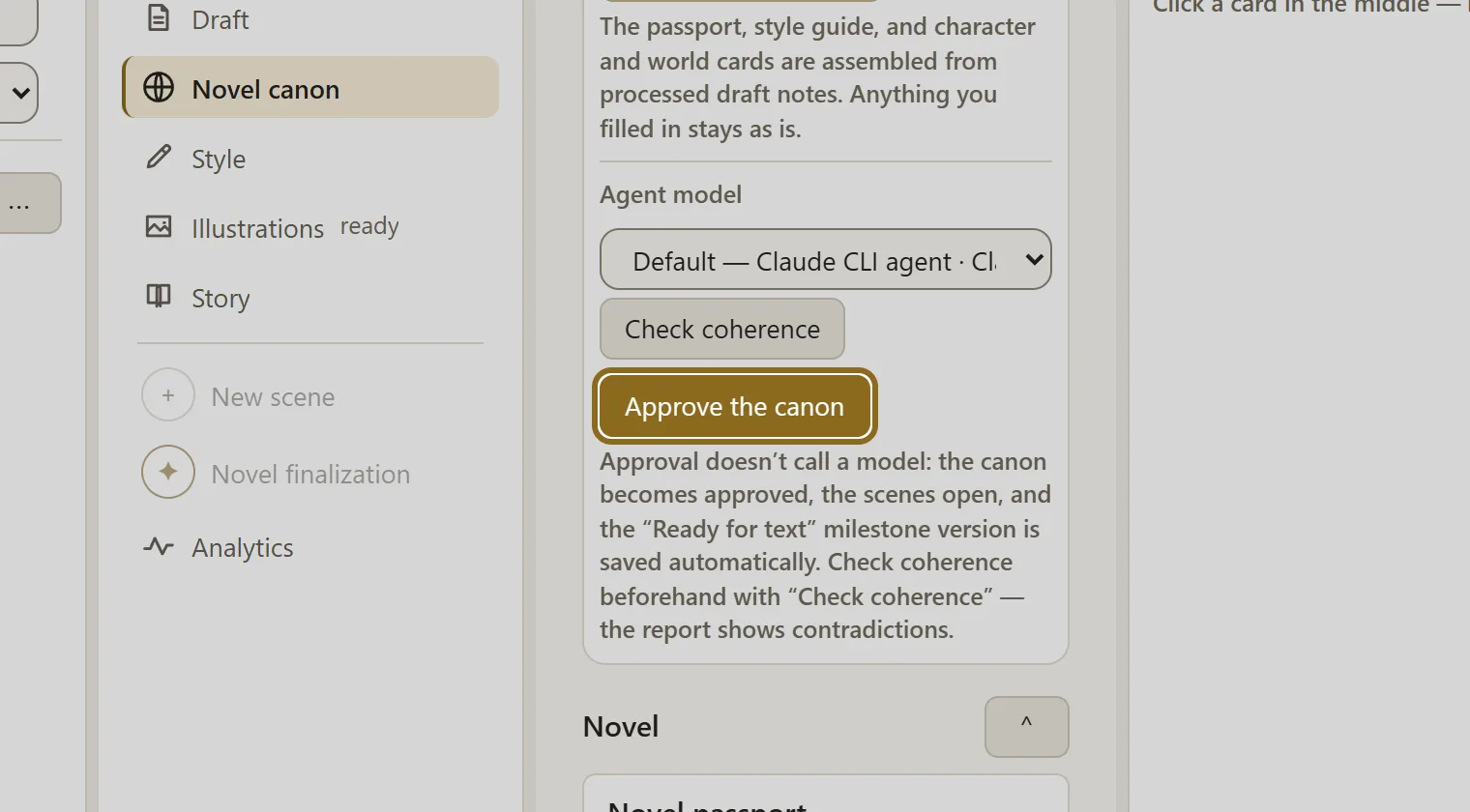
If you like, click Check coherence — the report shows contradictions between cards.
-
When the canon suits you, click Approve the canon. After that you can write scenes; you can keep editing the canon later.