
How to carry a voice into another novel: the style library
“Style library” holds the voices of your novels: the style guide together with the samples. A voice found once can be attached to any other novel. This is about the style of the text; the style of pictures lives apart — under “Visual style”.
-
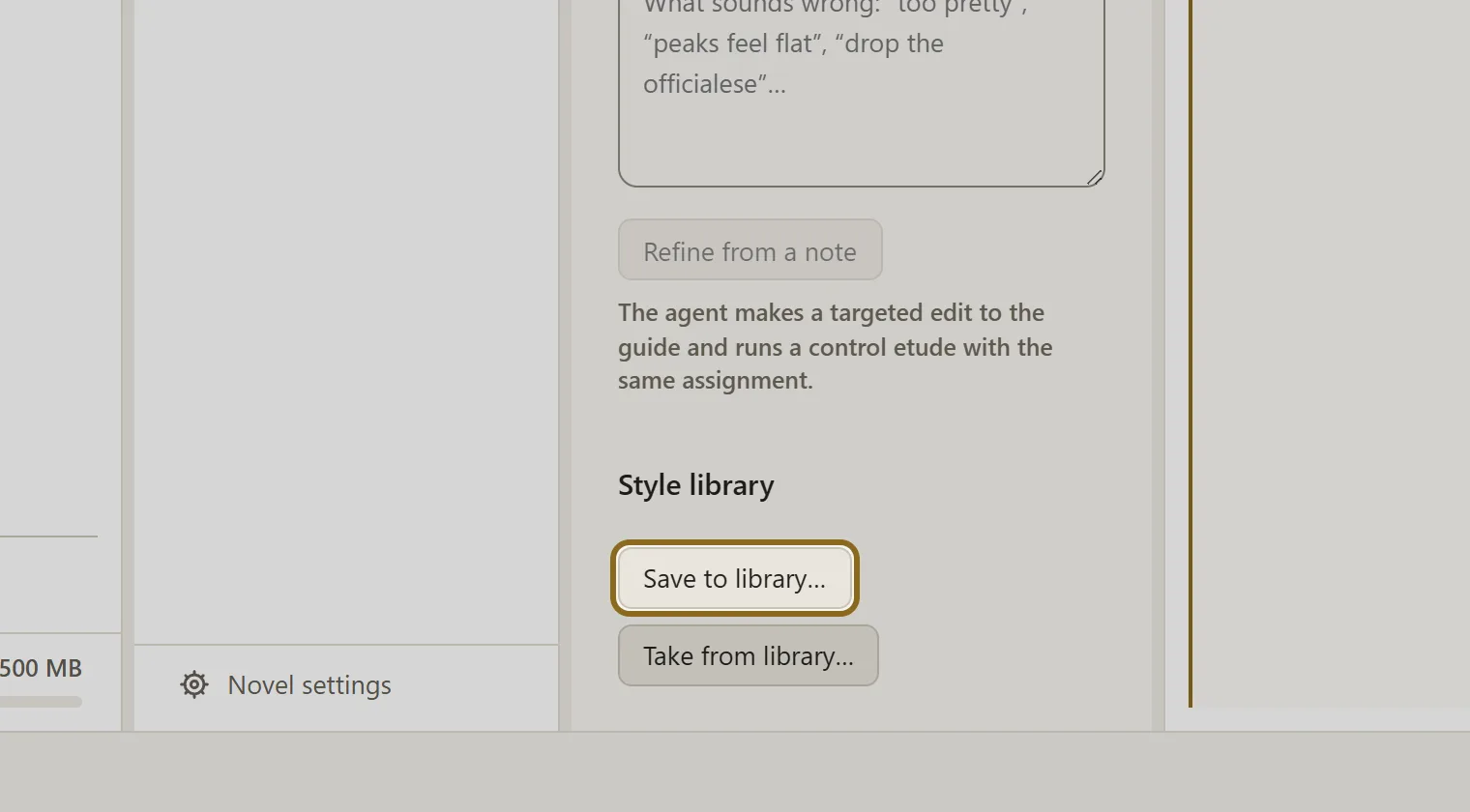
In the “Style” section of the novel whose voice you like, click Save to library…. The button works when the style guide is filled in. The assistant suggests a name, a description and tags — correct them and save.
-
Open the novel that needs this voice. Click the “Settings” gear in the header and choose “Text style”.
-
Find the style by search or by tag and click it: the style guide and the voice samples open on the right.
-
Click Apply to the novel and confirm. The style guide of the novel is replaced by the style you chose; the previous one stays in the version history — you can always bring it back.
-
An unwanted style is removed by the Delete button, and the name, the description and the tags are edited by Edit the card.