
How to calibrate the style: the voice of the novel
The style guide goes into the request for every scene. The “Style” section shows how it sounds in prose before the first scene is written: short test passages on one and the same brief. You do not need to approve the canon for this.
-
In the novel sections, open “Style”.
-
Check the “Style guide” block: it is the same card as in the canon. If it is empty, fill it in with the Edit button, or build the canon from the draft — without a style guide a test cannot be run.
-
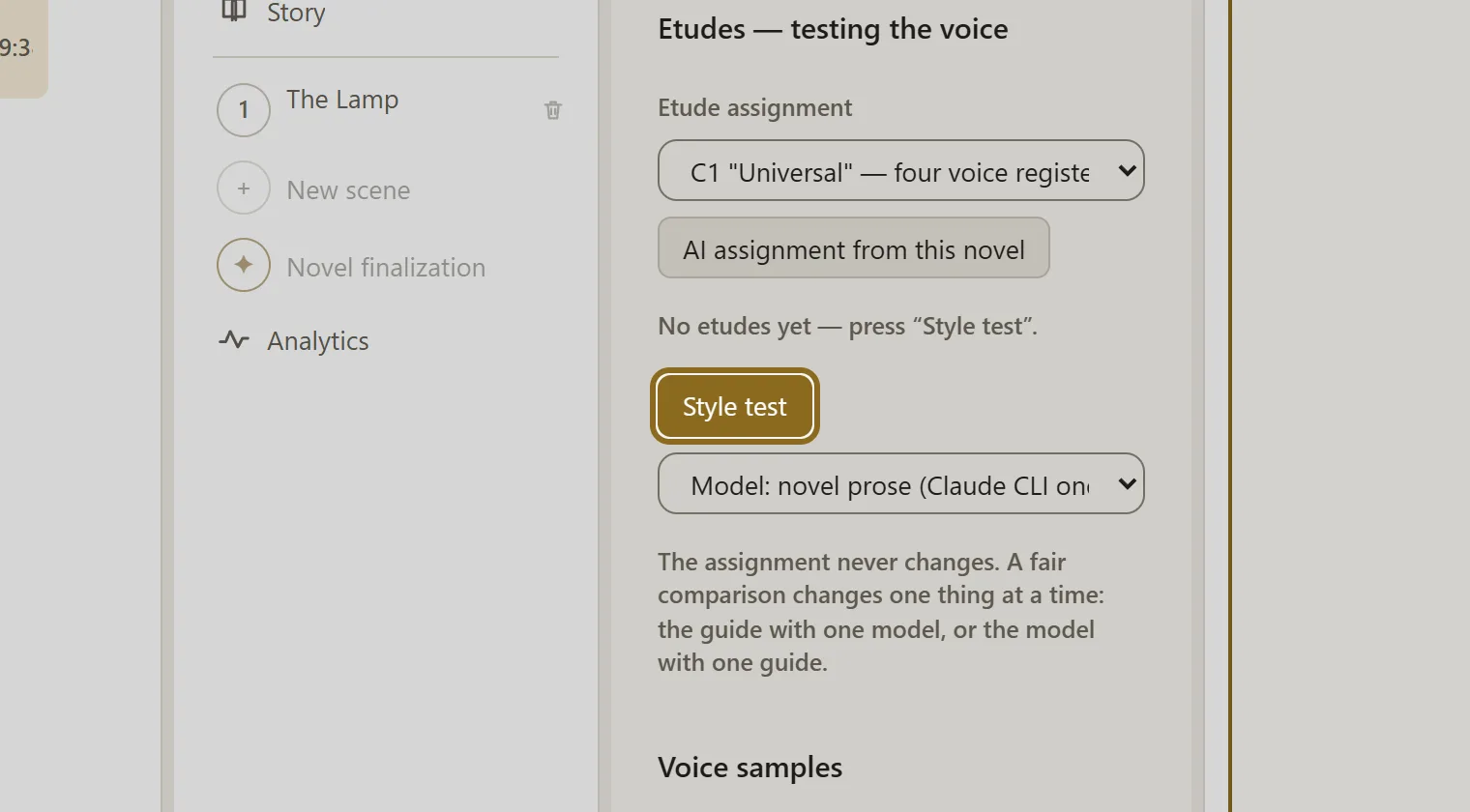
Choose the brief for the test and click Style test. The test passage opens on the right. The brief stays the same, so the comparison is fair: change one thing at a time — the style guide or the model.
-
The sound is not right — write your note in plain words and click Refine from a note. The assistant makes a precise fix to the style guide and runs a check passage itself.
-
When the sound suits you, click Style calibrated — collect samples. The voice samples, like the style guide, go into the request for every scene — that is how the voice holds across the whole novel.
-
If you like, save the voice you have found with the Save to library… button — you will be able to take it into another novel.