
How to play the story through before writing: the simulation
The simulation is an optional step. The host describes the situation of a scene and offers decisions for the character, you choose — and you see what came of it. The novel and the canon do not change while you play; what you have played can be moved into the scene plan.
-
In the novel sections, open “Story”, then the sub-item “Story simulation”. It appears once work on the story has begun; there is something to play once “Novel foundation” is filled in.
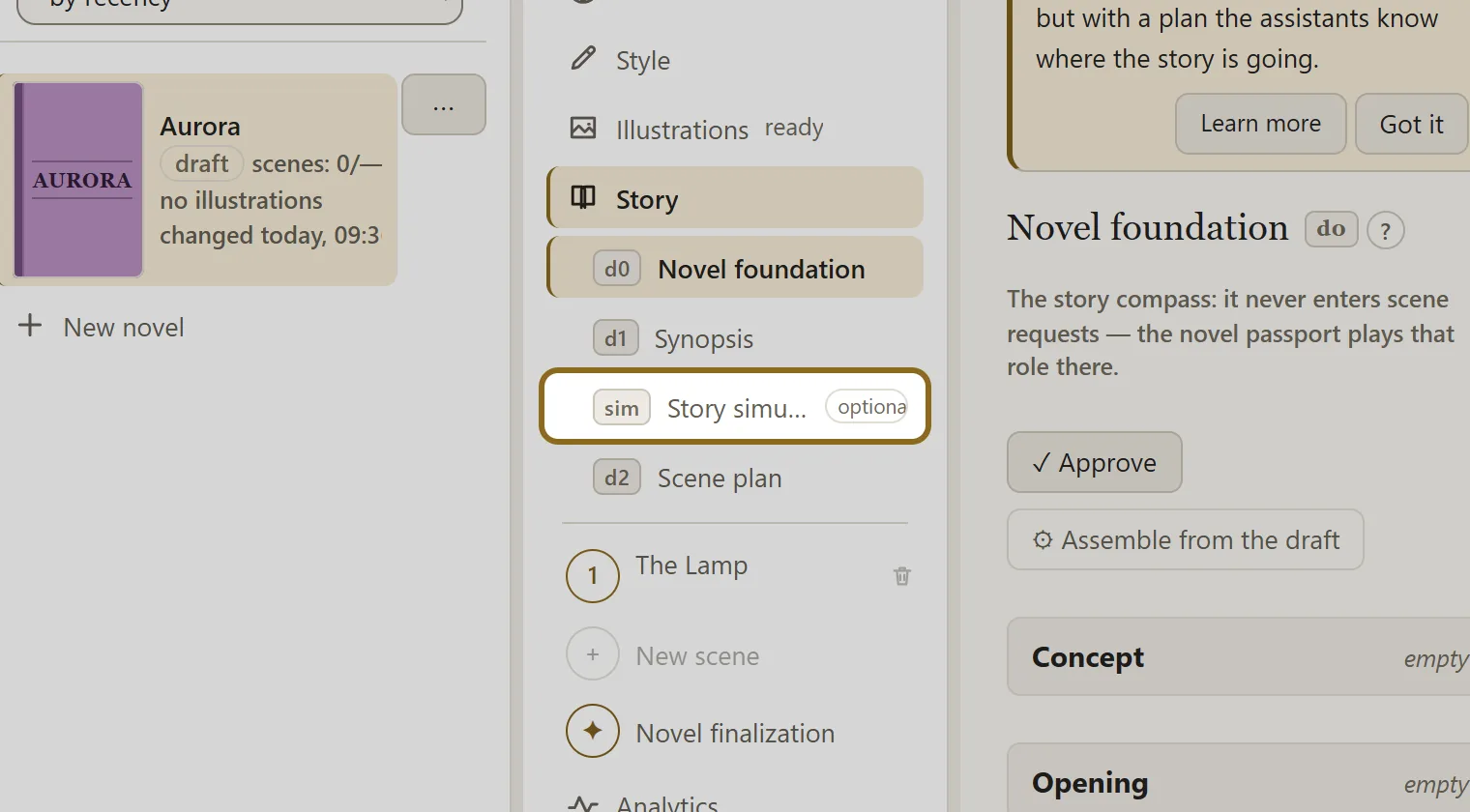
-
Click Start a simulation. If a plan or written scenes already exist, you will instead be asked which scene to play from.
-
On the right, read the situation from the host and choose the character’s decision: one of the cards offered, or your own — write it in and click Play my decision.
-
If the host’s answer is not to your liking, click ↻ Replay to get another one, or ✎ Refine to fix this one according to your note. Notes are remembered and apply to every turn that follows.
-
Play as many scenes as you need to see where the line leads. From any scene you have played you can start a branch or go back to it.
-
Above the board, click the button that moves the game into the plan and confirm: Move to the plan — the scenes you played become lines of the plan, ready to be written straight away, together with the material of the game. The previous plan is kept in the novel’s history.