
How to plan a novel: from the foundation to the scene plan
A plan is not compulsory — scenes can be written without one. But with a plan the assistant knows where the story is going, and every scene gets a brief of its own. You do not need to approve the canon in order to plan.
-
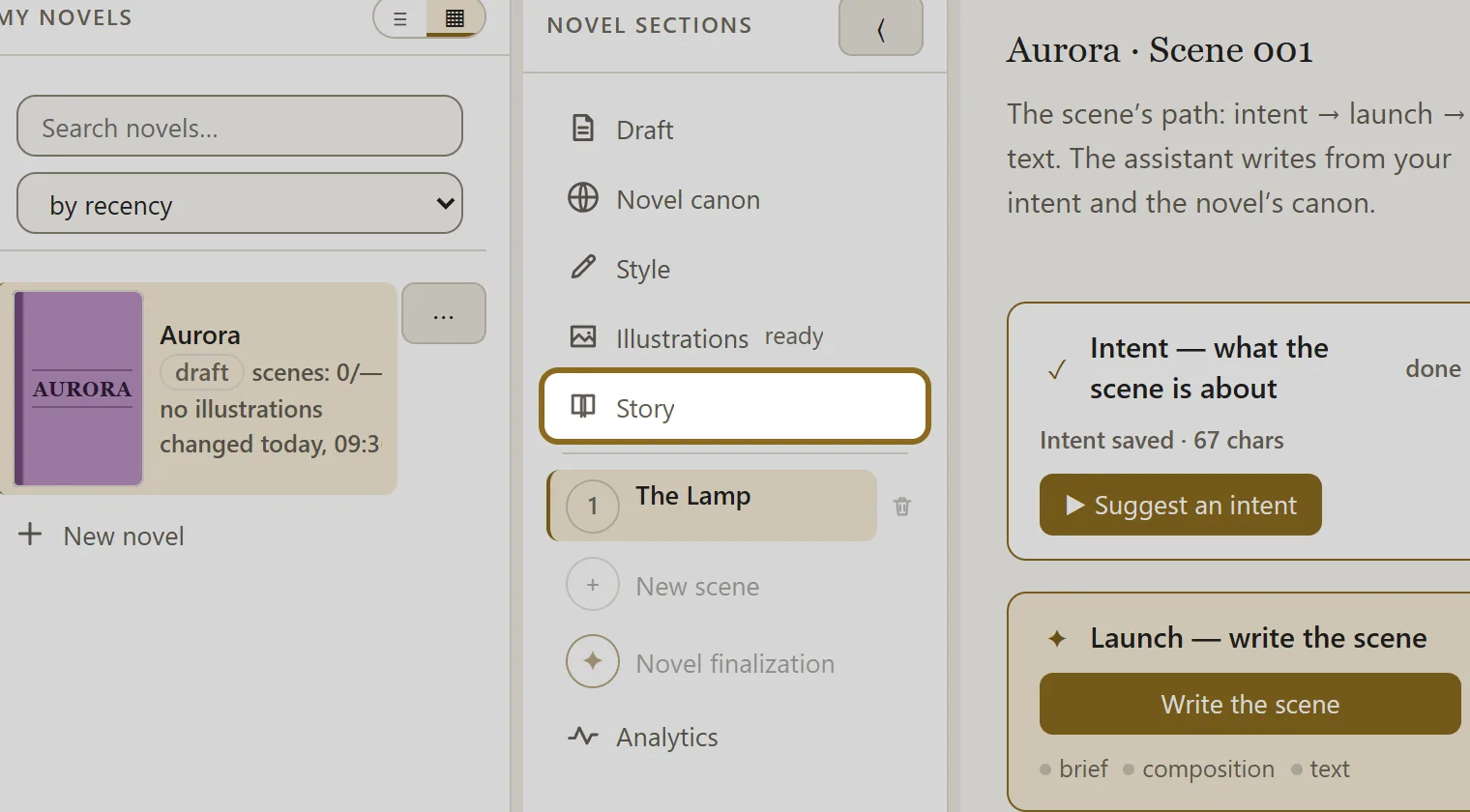
In the novel sections, open “Story” and click Start working on the story plan — three levels appear: “Novel foundation”, “Synopsis” and “Scene plan”.
-
Fill in “Novel foundation”: click a block, it opens on the right, then click Edit. If the novel already has notes and sketches, click Assemble from the draft — the assistant fills the blocks in itself, and you correct them.
-
When the foundation suits you, click Approve. This is your mark of “that is how it is meant to be”; you can take it back at any time.
-
Open “Synopsis” and click Write synopsis — the assistant writes it from the foundation and the canon. The text is edited on the right, and the earlier versions are kept.
-
Open “Scene plan” and click Write the whole plan — the assistant sketches out all the scenes of the novel from the synopsis. To move one scene at a time, use the Suggest the next one button.
-
Open a scene of the plan, bring it to the shape you want and tick Ready to write. Scenes are written from the lines of the plan: the assistant builds each scene’s intent from its line.