How to connect your computer
The AuthorWorkplace Bridge application links your AI to the workbench in your browser. You connect once.
-
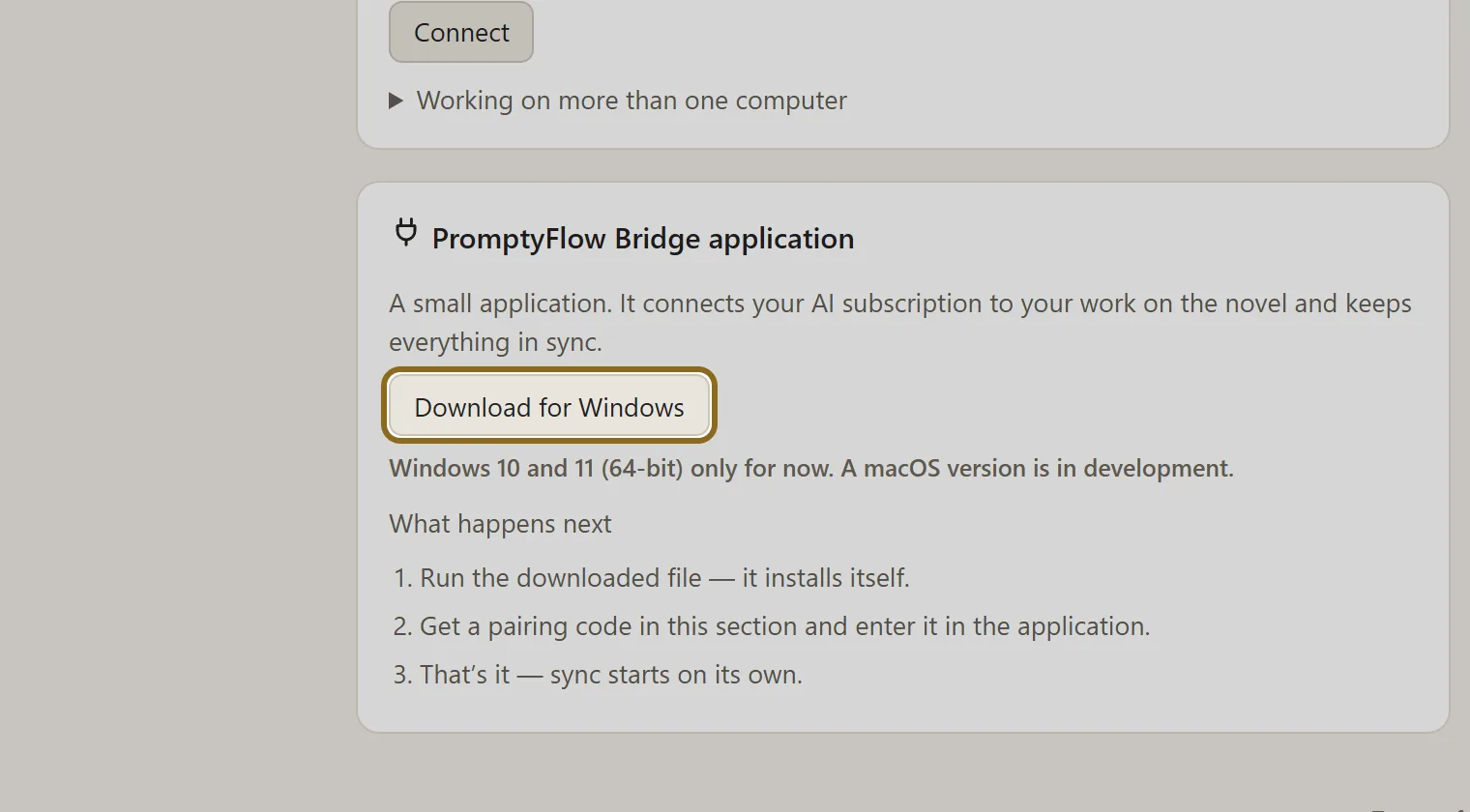
On the portal, in the “AuthorWorkplace Bridge application” block, click Download for Windows and run the file you get — it installs itself.
-
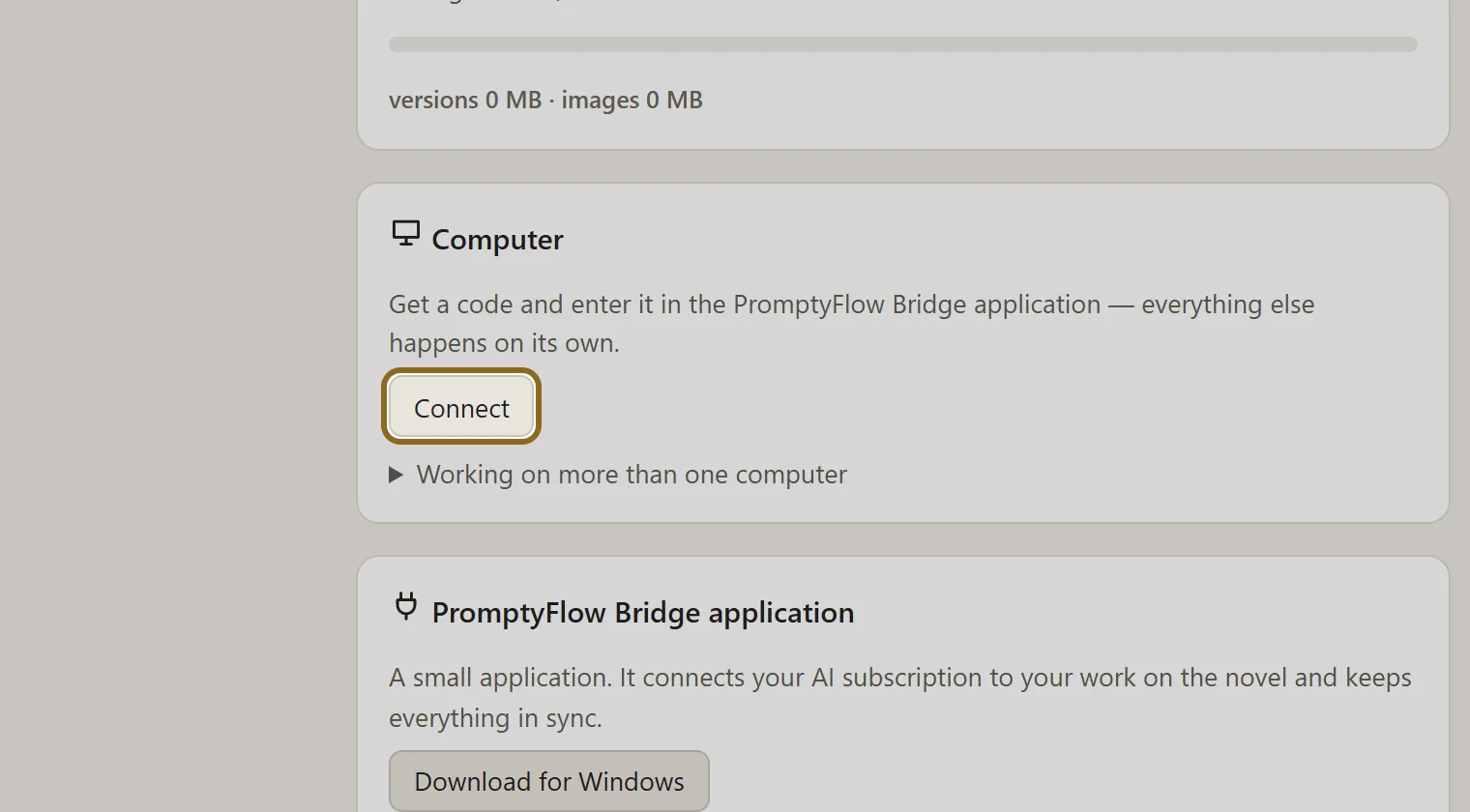
In the “Computer” block, click Connect. A code appears — it is valid for 10 minutes.
-
Enter the code in the AuthorWorkplace Bridge window. The portal page shows by itself that the computer is connected.
-
Click Go to my novels — your workbench is ready.